

Language Switcher Design Patterns That Work
Three proven patterns for language switchers—flag icons, dropdown menus, and text buttons. Learn which works best for your users and why some fail.
Read MoreLearn how to create seamless Malay-English interfaces that respect cultural nuances and technical requirements for the Malaysian market.
Whether you’re designing language switchers, handling RTL text, or adapting layouts for bilingual content, we’ve got the guides and best practices you need. These articles cover everything from implementation strategies to user experience considerations.

Practical articles to help you implement bilingual design effectively.
Three proven patterns for language switchers—flag icons, dropdown menus, and text buttons. Learn which works best for your users and why some fail.
Read More
Understanding right-to-left text direction. CSS flexbox and grid tricks to handle RTL automatically without breaking your design or creating separate stylesheets.
Read More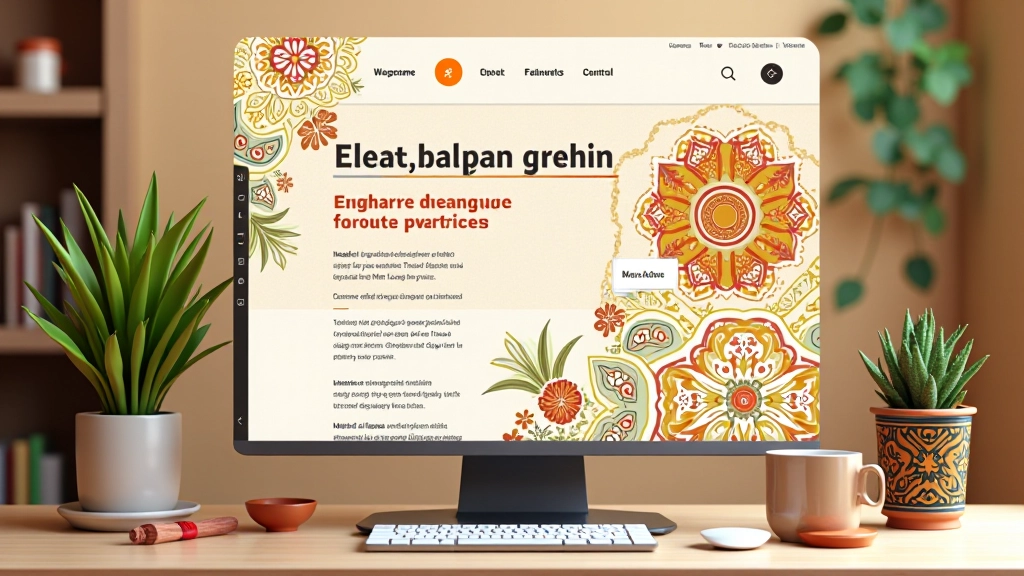
Translation isn’t enough. How to adapt colors, imagery, and design patterns to resonate with Malaysian audiences while keeping your design cohesive.
Read More
Proper markup with lang attributes, hreflang tags, and metadata. Making sure search engines understand your bilingual structure and serve the right version to users.
Read MoreEnglish to Malay translation often increases text length by 20-30%. Design your layouts with flexible containers and don’t assume fixed widths.
Not all fonts render Malay characters properly. Test your typography choices thoroughly and have fallback fonts ready for special characters.
Users expect consistency. If you switch languages, everything should switch—navigation, buttons, form labels, error messages, everything.
Loading both language files increases initial page size. Lazy-load languages, cache aggressively, and consider separate deployments per language.
Use this before launching your bilingual website.
Detect user browser language and offer appropriate default. Store preference in localStorage so they don’t see the prompt every visit.
Use subdirectory approach (/en/, /ms/) or subdomains (en.site.com, ms.site.com) rather than query parameters. Search engines handle these better.
Don’t offer different content in different languages. If it’s on the English site, it should be on the Malay site too. Users notice immediately when they’re excluded.
Test every page in both languages. Check for layout breaks, missing translations, and functionality issues. Don’t rely on automated tools alone.